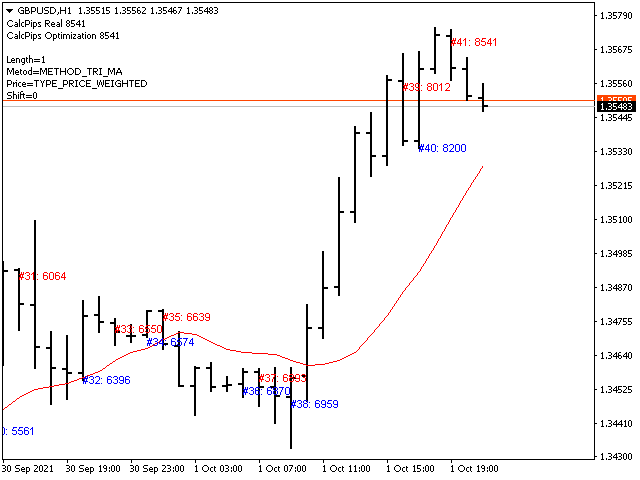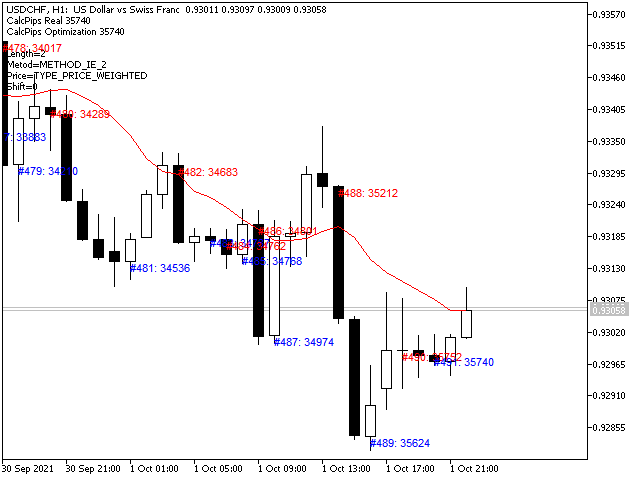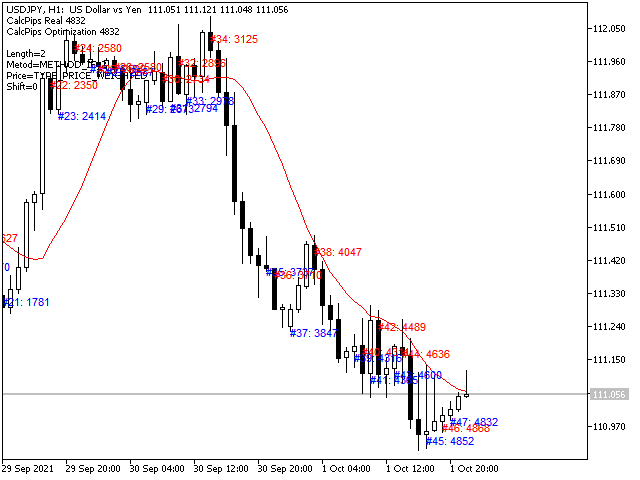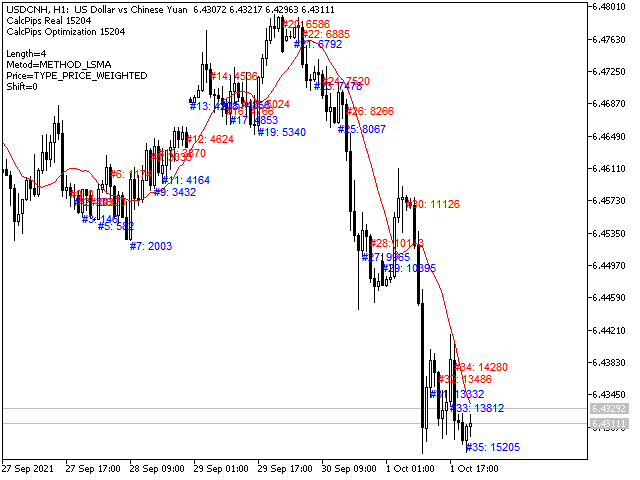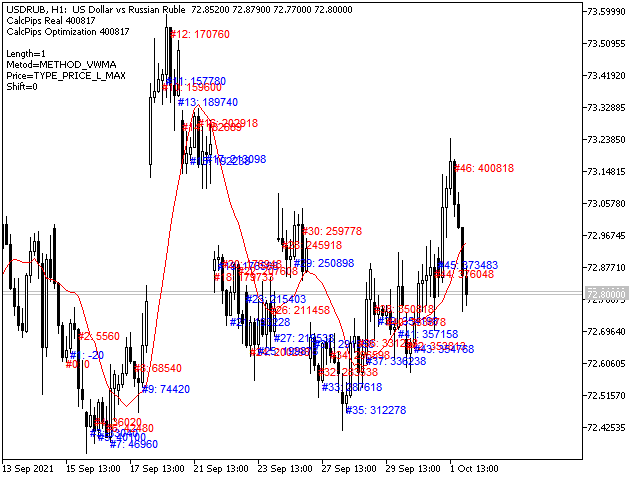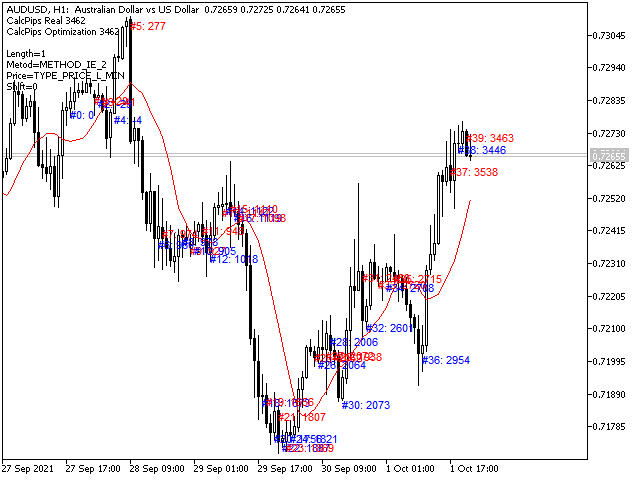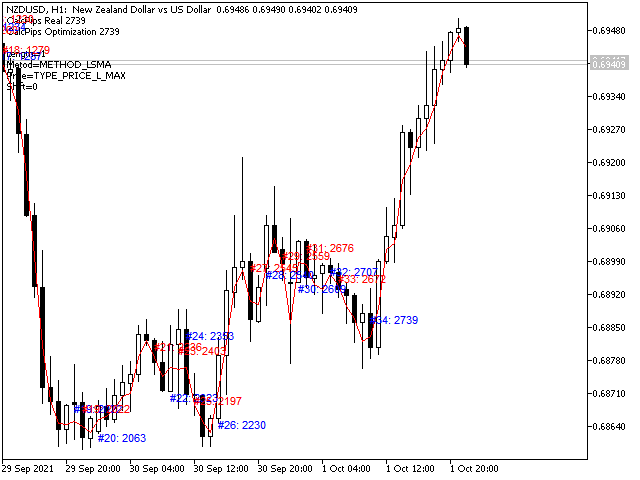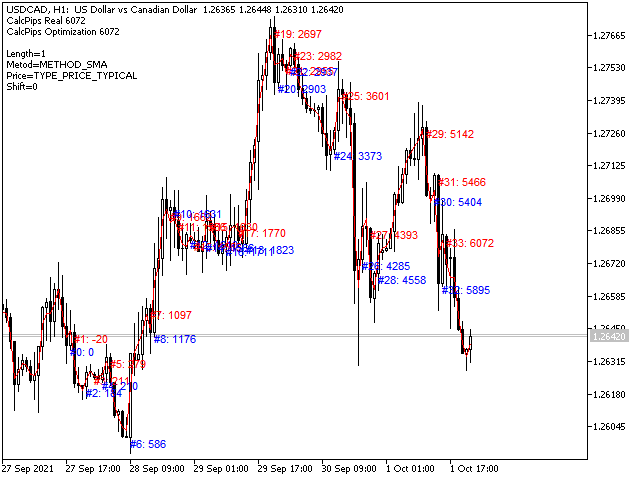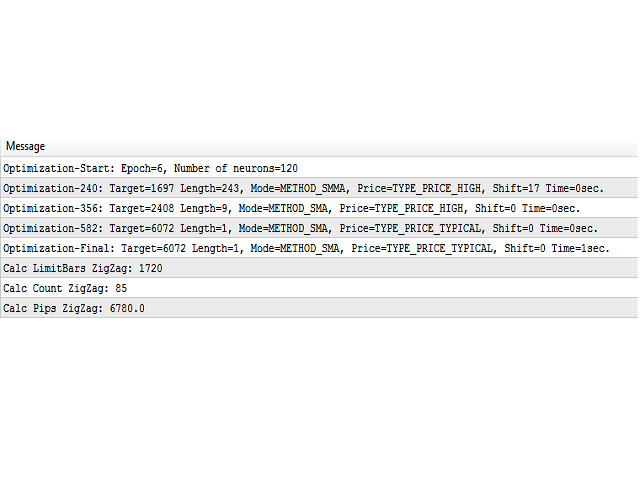


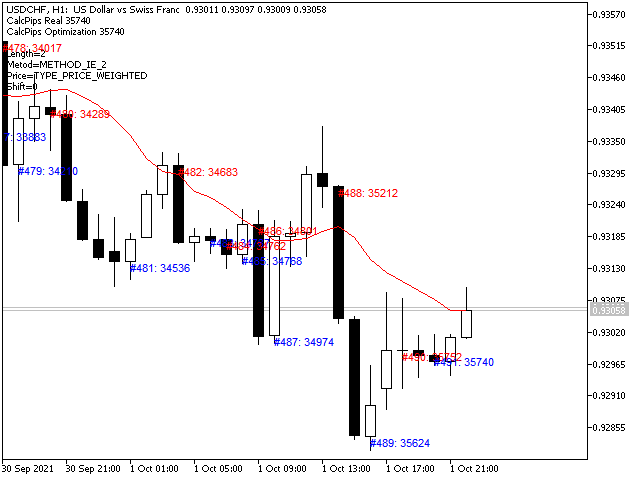
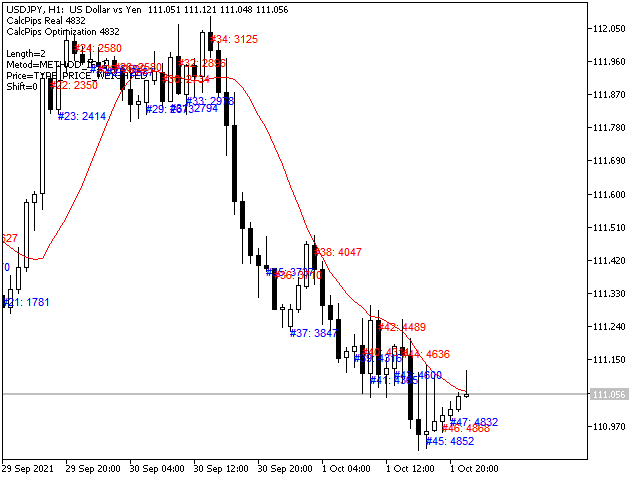
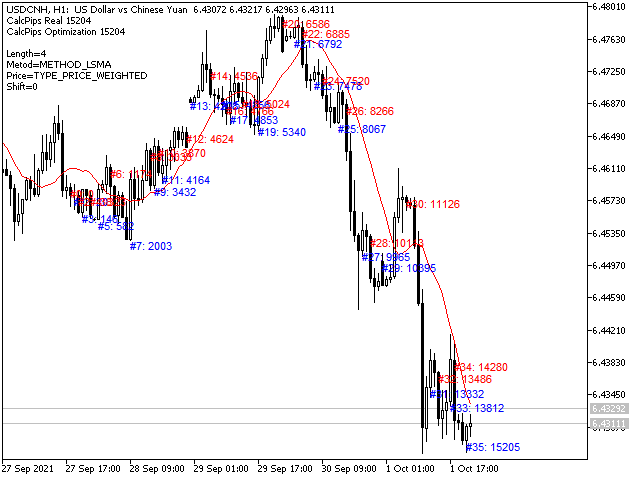
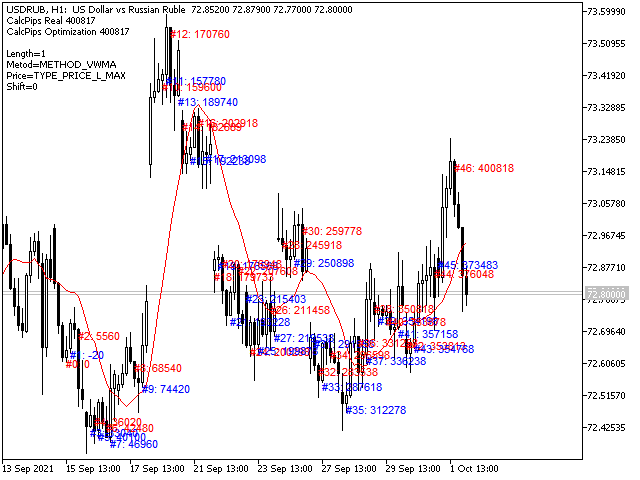
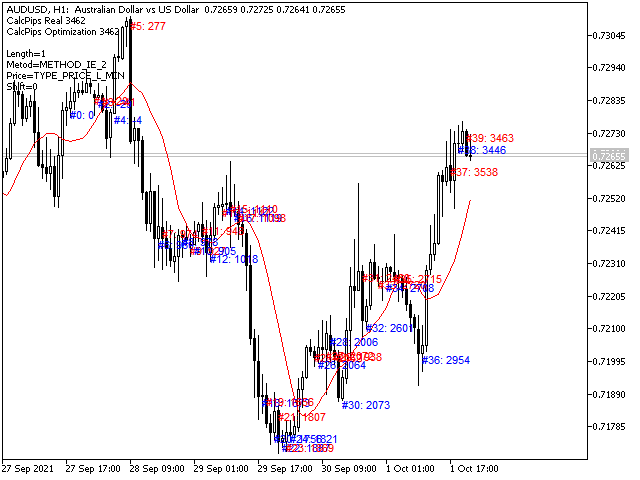
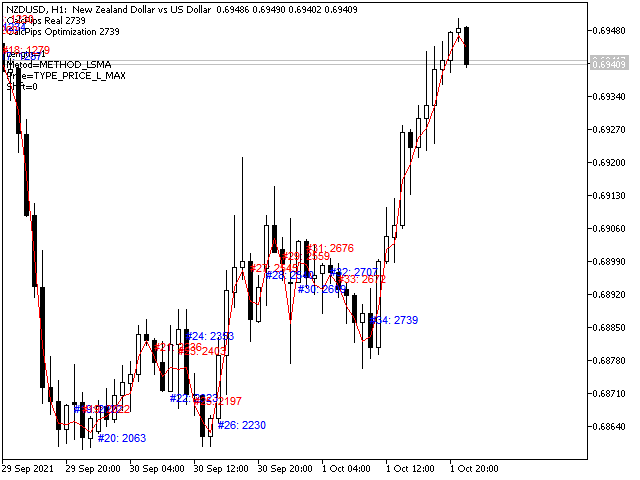
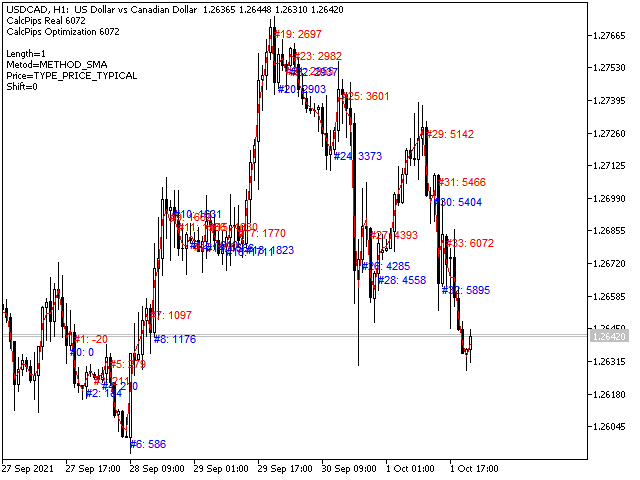
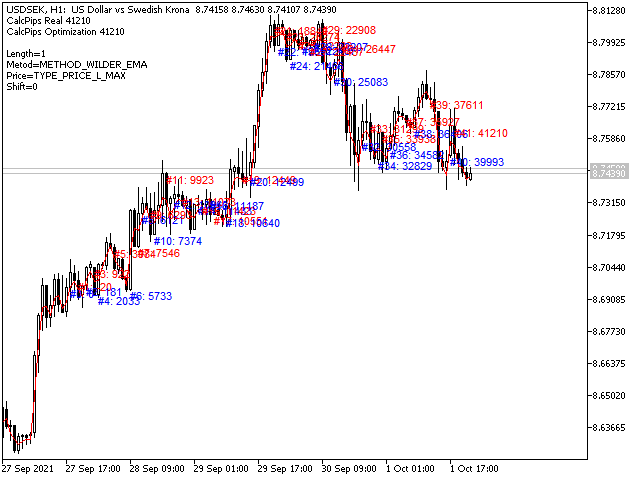
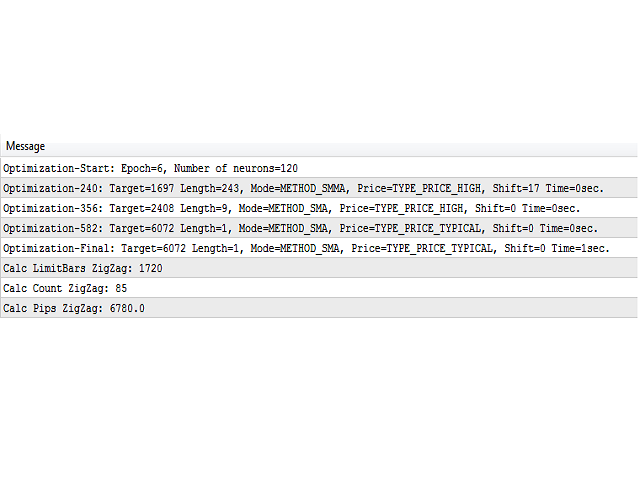
As you know, the main invariable indicator of all traders is the moving average; it is used in some way in most strategies. It is also obvious that this indicator is capable of showing good entries in every local area. For which it usually needs to be optimized or just visually adjusted. This development is intended for automatic optimization of the indicator. Once placed on the chart, the indicator will automatically re-optimize itself with the specified period ( PeriodReOptimization ) and display the chart with already changed (optimal) parameters. Also, the optimal parameters and the profit they give in a given section of history will be reflected in the form of comments on the chart.All signals are generated at the opening of the bar. Any closing price or zero bar prices are replaced with the corresponding price of the previous bar in order to avoid false results. This indicator is suitable for those who are interested in the classic calculation method but with improved functionality. There is a version for both MT4 and MT5.
In general, about the basic indicator.Moving average, moving average (English Moving average, MA) is a general name for a family of functions, the values of which at each point of determining the level of some average value of the original function for the previous period.
Information about the advanced functionality of the indicator itself.This version of the indicator differs in that it has an extended functionality for calculating the averaging Metod (below is a list), as well as advanced possibilities for calculating the application to prices Price (below is a list). Also removed a significant drawback, namely the inability to see the digital display of the inputs. And in this implementation, we can see not only the projection of the calculations on the chart in the form of a curve, but also a digital view - how well this curve will work itself out, provided that it is traded according to the specified rules. The Rules parameter (the list below is presented) sets the rules for trading by the indicator, of course, here it is necessary to take into account that trading by the indicator is, first of all, strict adherence to the rules.
The basic fields of the indicator are clear, I will describe the specific fields associated with the automatic optimization of the indicator, which are not mentioned above in the text.
- CalcPipsOn - In order to see the calculation on the chart, be sure to activate this field (it does not optimize, it just reflects the current calculation).
- CalcReOptimizationOn - In order to see the result of the optimized calculation on the chart, which will be constantly updated in the period (PeriodReOptimization).
- SearchDepth - optimization depth. Where 3 - gives optimal optimization results in terms of speed, 5 - not very bad, 10 - almost perfect. The higher the value, the more accurate the optimization, but the slower it is, it makes no sense to set it higher than 20.
- TypeTarget - Optimization target (below is a list).
- FinalCalcAbstractPips - Consider the last tail of the price movement in optimization as a close signal (price movement after the last effective signal until the current moment).
- NormalizeDigitsIndicatior - Rounds up the comparison results when generating a signal. For example, if it is 8, then even a change in the eighth decimal place will be considered a signal, you can adjust the sensitivity when the sliding is tilted.
- CommentOn - activates the comments on the chart.
- InversionSignal - inverts the signal (swaps buy and sell signals).
- History - The number of bars on the current chart for which the calculation or optimization is performed.
- CalcSpread - conditional spread (minimum points that will be subtracted when calculating each signal).
- AutoOpt [...] - allows automatic optimization of a specific specified field.
Enumeration reference will be provided in the first discussion post.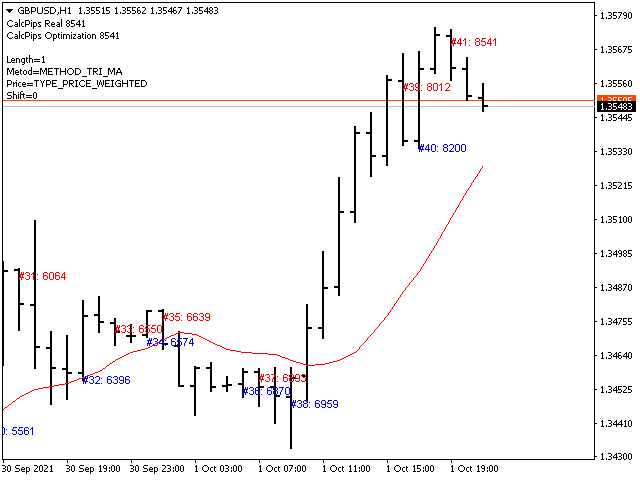
商品标签